
   _       _
  (_) ___ | |_ ____
  | |/ _ \| __|_  /
  | | (_) | |_ / /
 _/ |\___/ \__/___|
|__/
This example uses the standard markdown syntax to insert an image.

This example uses a snippet of CSS to style one specific image. An attribute selector in the CSS line ensures that the style is only applied to images with the specified alt string.
<style>img[alt="PRBS curve"]{width:640px;}</style>
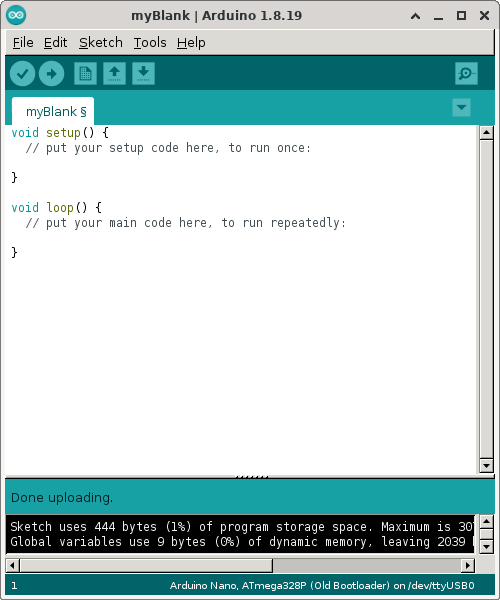
This example creates a markdown table with one column and two rows. The image is placed in the upper row. The caption is placed in the lower row. The pipe characters ("|") mark the column breaks in each row of the table. The second line ("|:-:|" in this case) is used to specify alignment within each column. Here the single column is centre aligned.
||
|:-:|
|*Screenshot of Arduino IDE*| |
|---|
| Screenshot of Arduino IDE |